

Glass Against Acrylic in Touch Panels: Why Glass is Preferrable Choice for Cover Lenses?
Aug 04, 2026
I've been asked the same question at lease a dozen times these years. They look at the price sheet, calculate and ask me directly:"Acrylic is cheaper, why shouldn't I just use it for our touchscreen cover?"
The question in honest and my honest answer is the same: Acrylic isn't cheaper but just less expensive unfront. That's the difference.
Let me tell you what we've seen in the field, working with real customers who've tried both, repaired both and eventually switched almost everthing over to glass. No fancy charts but just plan facts.
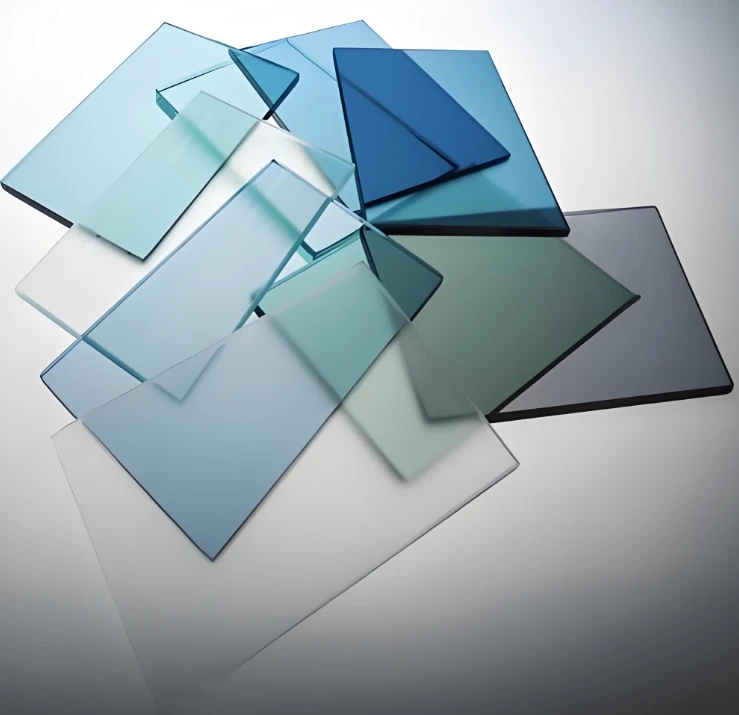
First. Your finger can feel difference in first touch
Use your fingertip across the glass screen. It's smooth(I mean really smooth). Glass substrate manufactured on flat molten tin bath. So the surface is almost perfectly level at a microscopic level. Your finger glides across it with zero drag.
How about acrylic? It's plastic, it shrinks and warps just a tiny bit when it cools after molding. Possibly you can't see it under your eyes but your finger surely can feel it. It's slightly grippy and uneven. When your finger doesn't glide cleanly, the touch sensor underneath get confused. This little uneveness makes tiny air gaps between the cover and the sensor layer, which messes with the electrical signal. Result? The screen feels sluggish. It misses quick swipes. It misreads taps when you're in a hurry.
And, the glass can be made incredibly thin: We're talking 0.12mm, which is thinner than 2 sheets of printer paper. Which means your finger's signal travels a shorter distance to reach the ensor, so the response feels instant. Acrylic can't go that thin without turning into a potato chip that cracks under its own weight, so it has to keep thicker. The thicker means the slower response.
Second. Scratches & yellowing: The silent killers
Here's where the real cost gap shows up.
Think about how you actually use a touchscreen. You're poking it, swiping it, wiping it with your sleeve, setting it down on desks, tossing it in bags. Over time, that surface takes a beating.
Glass is hard. Not diamond-hard, but hard enough that everyday dust and grit (which contains tiny particles of quartz, which is pretty sharp) won't leave permanent marks. You can wipe glass with a dry cloth a thousand times and it still looks clear.
Acrylic is soft. It scratches if you look at it wrong. And those scratches aren't just ugly, they scatter light, which makes the screen hard to read in bright conditions. Over six to eight months of daily use, the acrylic cover starts looking like someone took fine sandpaper to it.
But scratches are only one of the problem. The bigger one is yellowing. Acrylic is organic, it's made from petroleum-based chemicals. Sunlight, fluorescent lights, even the heat inside a car on a summer day, will slowly break down its molecular structure. After a year or two, that crystal-clear acrylic panel starts taking on a yellowish, cloudy tint. It makes your beautiful display look old and cheap. Glass? It's made from sand. It doesn't care about UV light or heat. Ten years later, it's still as clear as day one.
Third. The "almost as clear" trap
You'll hear acrylic suppliers say: "Our material has 91% light transmission while glass is only 92%, so they're basically the same!"
That number is technically true, but it's sneaky. Because what they don't tell you is about haze: The cloudy, milky glow that makes text look slightly fuzzy around the edges.
Acrylic, because of those internal stresses and tiny surface irregularities mentioned earlier, scatters light in all directions. So even though the total light passing through is similar, the quality of that light is worse. Whites look a little dull. Black text looks a little grey. In a brightly lit room, you have to squint a bit.
Glass keeps light clean and straight. Black is black. White is white. The image pops. And for a touchscreen, that clarity isn't a luxury, it's the whole point.
Forth. Heat makes acrylic go wonky
Here's a fun one that catches a lot of people off guard.
Acrylic expands and contracts with temperature changes about seven times more than glass does. So if your device lives in a car dashboard, a factory floor or even just a sunny office window, the acrylic cover will grow and shrink throughout the day. Meanwhile, the display and touch sensor underneath it don't move nearly as much.
What happens? The adhesive layer that holds everything together starts to stress and peel. The alignment between the cover and the sensor shifts just enough to cause dead zones or false touches. In really bad cases, the acrylic warps enough that it actually lifts off the display entirely, creating ugly rainbow-colored "Newton rings" that look like oil stains.
Glass barely moves at all. You can glue it down tight and forget about thermal expansion forever.
Fifth. "green" argument
Some people like acrylic because they think plastic is recyclable. Technically yes but practically, it's a mess. Recycling acrylic requires cooking it back down to its raw chemical components at high temperatures, which releases toxic fumes and consumes a ton of energy. Most recycling centers don't even bother, they just send it to the landfill or the incinerator.
Glass is dead simple to recycle. You crush it, melt it and make new glass. No chemical wizardry required. And if your company has any kind of environmental commitments, swapping to glass actually reduces your waste-disposal footprint in a measurable way. It's one of those rare cases where the "premium" material is actually more sustainable.
So, when does acrylic actually make sense?
Look, I'm not here to say acrylic is useless. It still has its place: cheap consumer toys, promotional giveaways, disposable point-of-sale stands, anything with a lifespan of under a year. If your product is meant to be used a few times and thrown away, acrylic is fine.
But if you're building something that's supposed to last like industrial equipment, medical devices, vehicle displays, restaurant kiosks or any screen that people will poke and swipe every single day for years, then glass pays for itself within the first 18 months, just by avoiding warranty returns, customer complaints and early replacements.


